
Save places from Instagram and TikTok
Paste a social link and keep the restaurant, cafe or travel spot on your map.
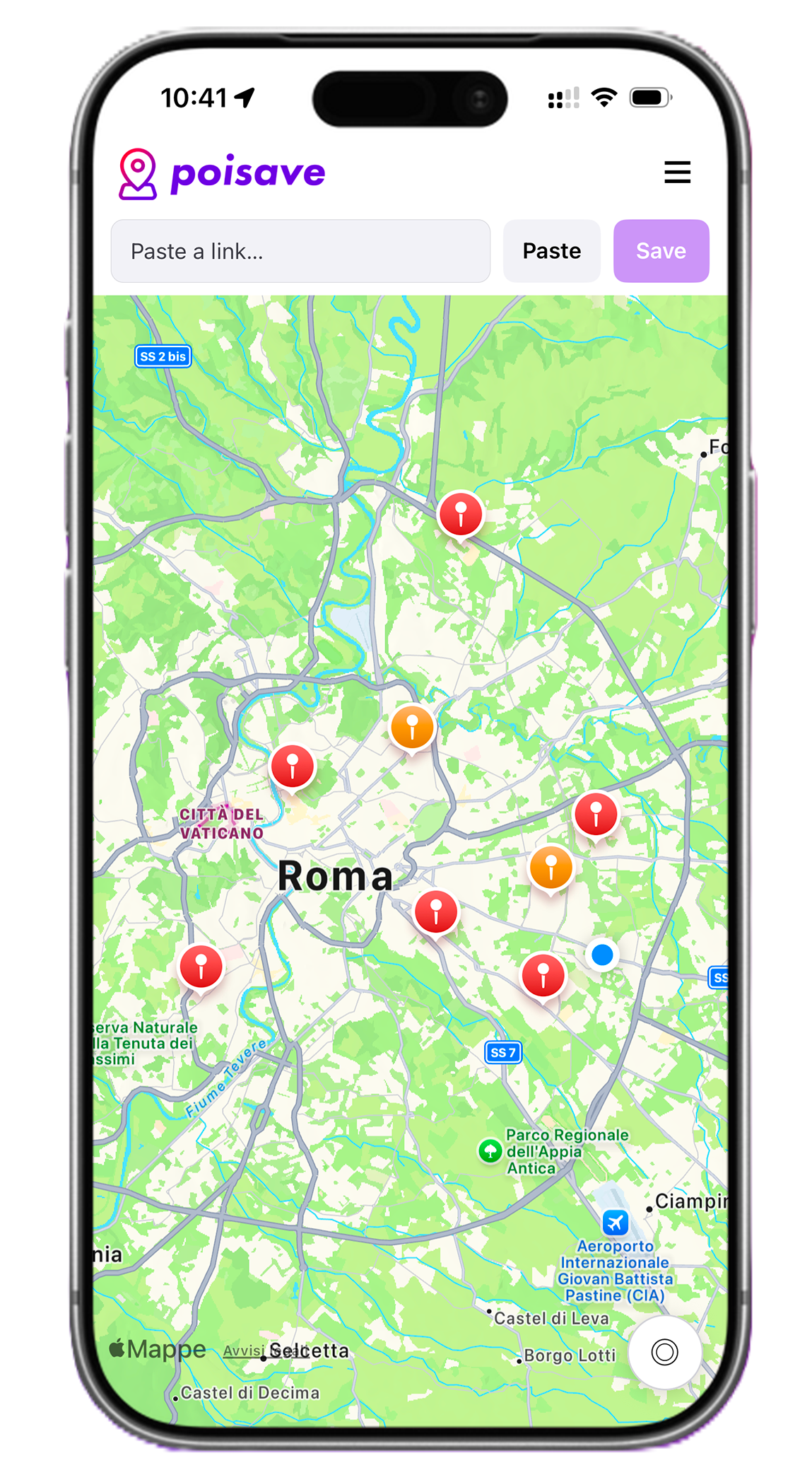
Turn social posts into saved map pins, clean up the details, and organize restaurants, cafes and travel spots in one useful place.

 * Available for iOS and Android
PoiSave helps you turn Instagram, TikTok and web discoveries into saved points of interest you can find, edit and plan from later.
Paste a social link and keep the restaurant, cafe or travel spot on your map.
Add categories, notes and useful details instead of losing places in bookmarks.
Compare saved places nearby and choose where to go next without switching apps.
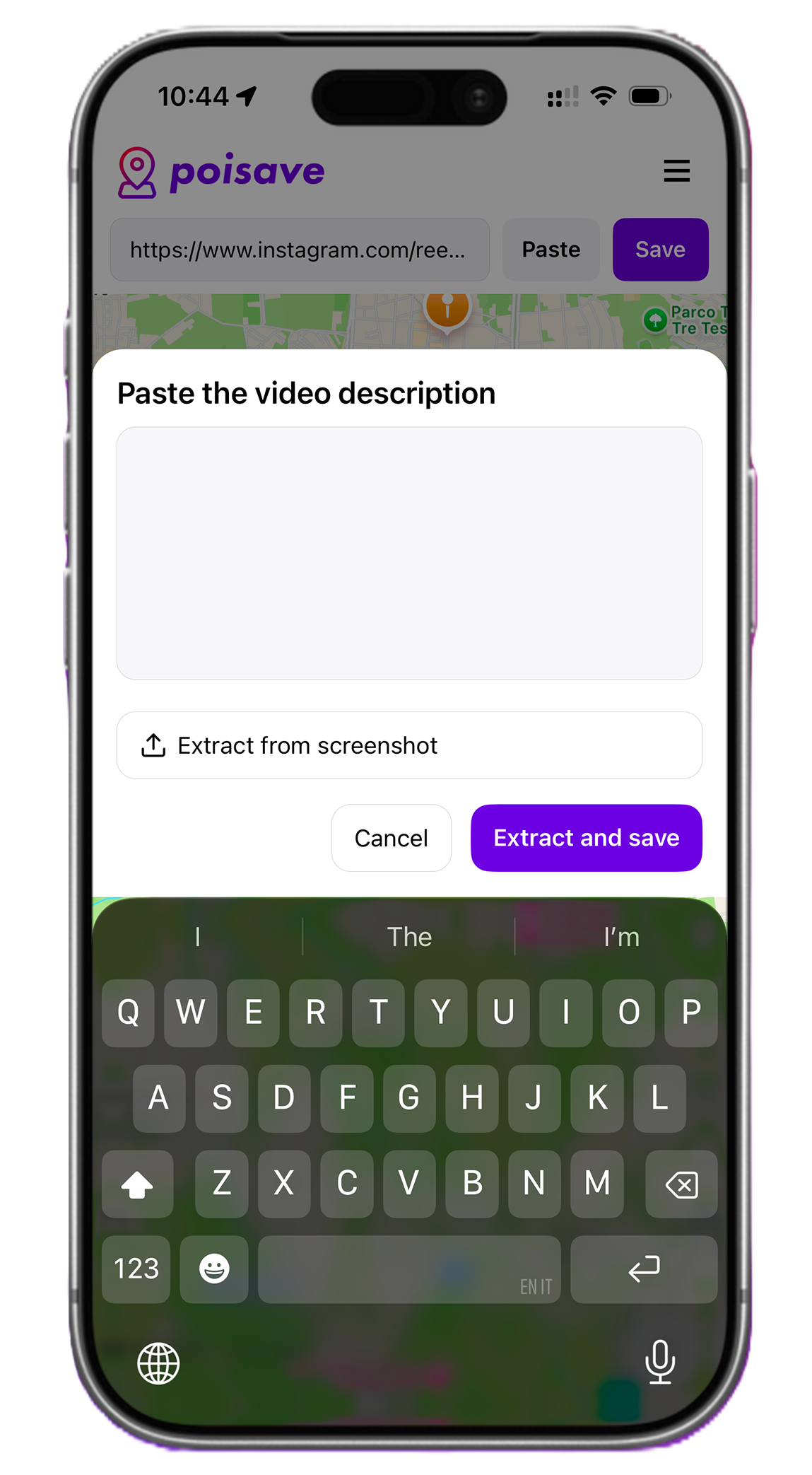
Move from a social post to a saved place in three quick steps, without losing the useful details along the way.
Drag to see how PoiSave turns saved places from Instagram, TikTok and the web into organized map pins you can easily find later.
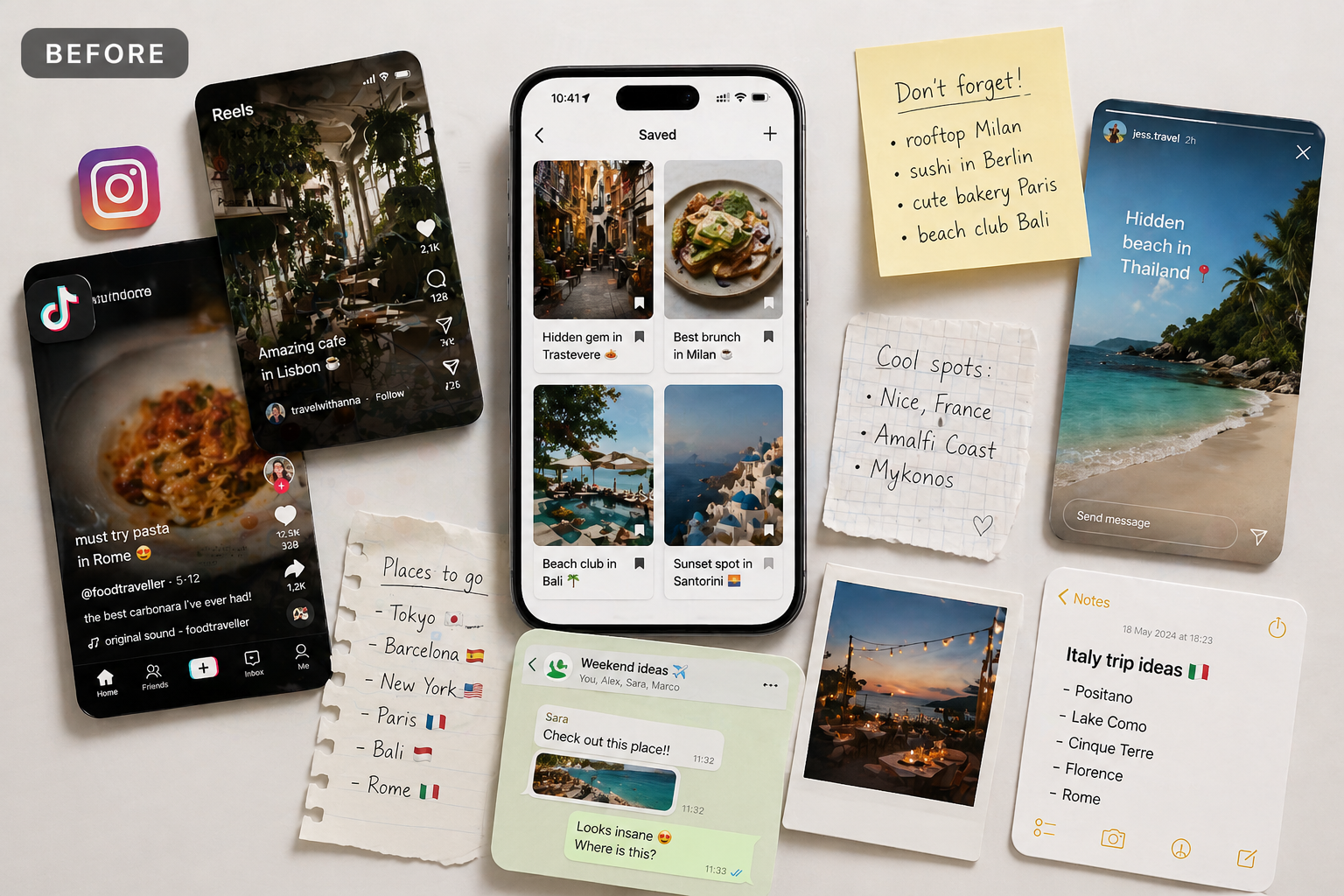
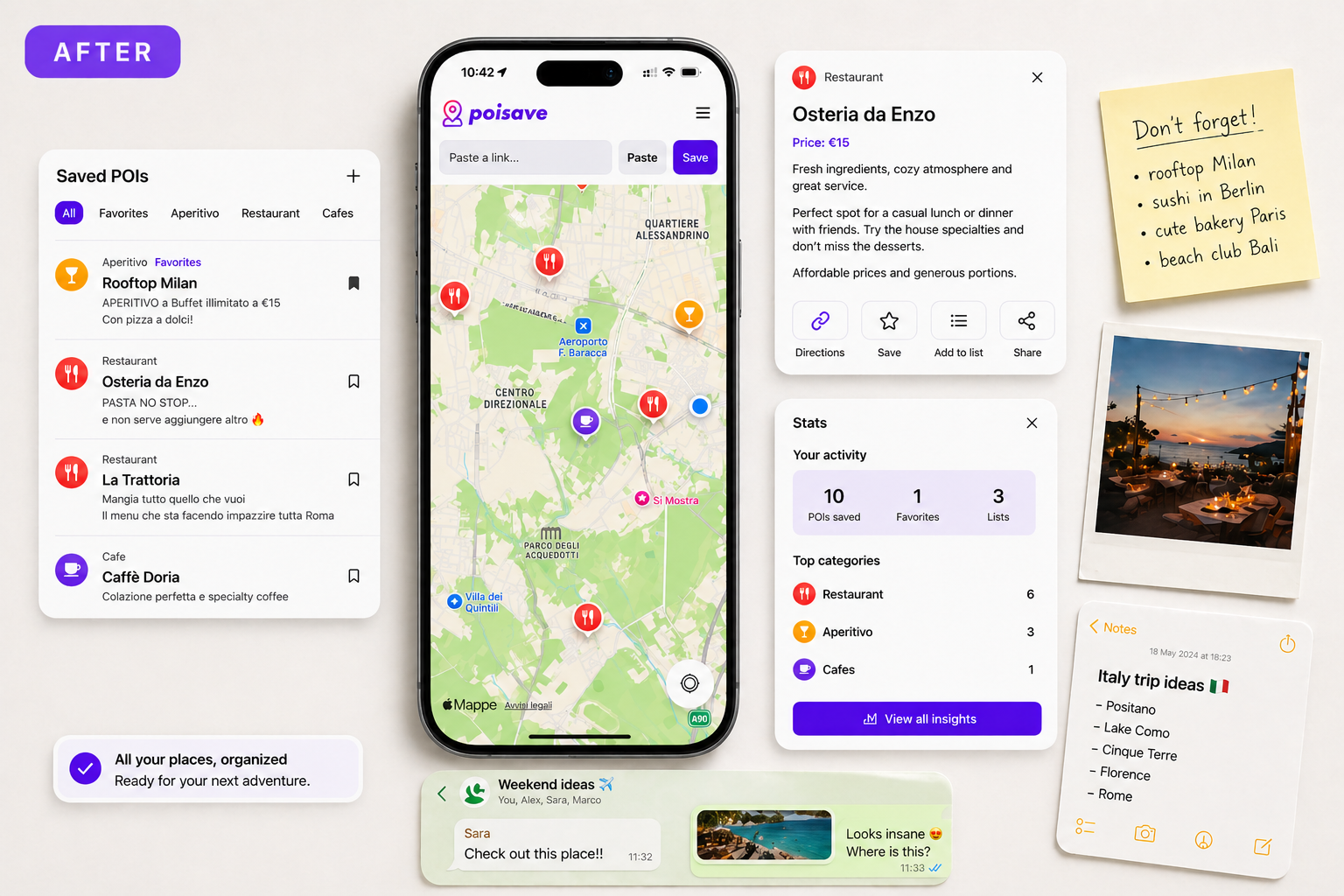
Never lose a place you saved on social media again.
Instead of leaving recommendations buried in chat threads, bookmarks or screenshots, you can collect them in one place and return when you need them.
Turn social finds into saved places in seconds.
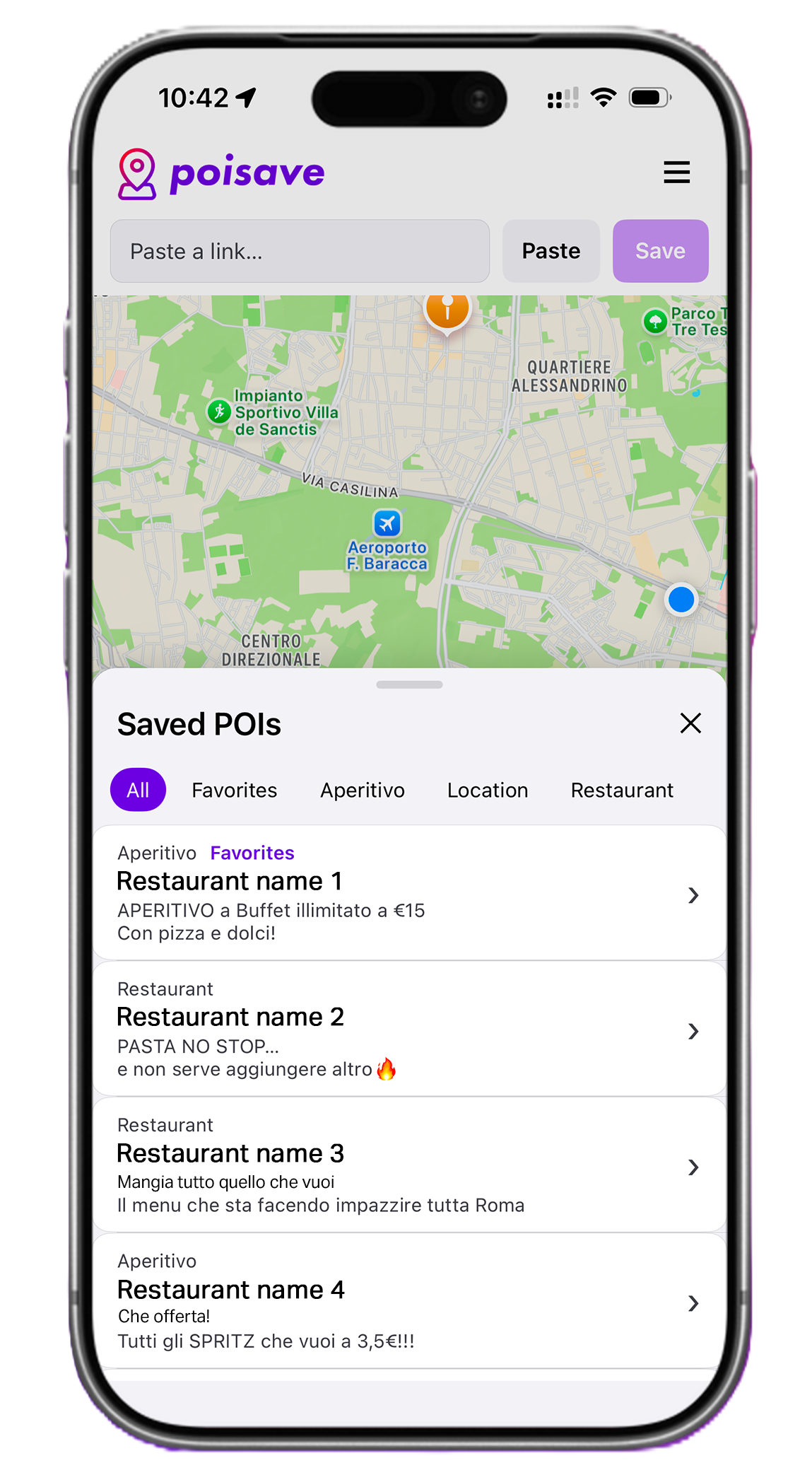
Use PoiSave as the layer between discovery and planning. Your next weekend list, city break or food map stays structured from the start.


Fast capture, smart dedupe, offline cache, and global maps.
Paste a link, PoiSave handles the rest.
Avoid duplicate places automatically.
Use the app locally, or sync your places with a Premium account.
From Rome to Tokyo, it just works.
Beautiful, fast and modern interface.
Titles, categories, and more in seconds.
Save places for free, then unlock unlimited saved places, cloud sync, no ads and advanced map customization. Premium is where it gets powerful.
Start saving your favorite places with the core experience included.
Unlock the full experience with sync, customization and advanced tools.
Write to us for support, partnerships, press, or any question about the app.